Getting started
How do I create a family and invite people to join it?
Create a family, understand how seats work, and invite people by email — step by step. Sharing and emergency contacts each have their own short guide.
Last updated
Prefer to watch?
This guide as a 5-minute video
Onboarding Part 3: Create Your Family on Hey Be Safe
Nothing loads from YouTube until you press play.
Prefer to print?
This guide as a one-page PDF
Print it out or keep it handy for offline reference.
A family in Hey Be Safe is a small group of people you trust. Once someone is in your family you can share logins with them, and you can name them as an emergency contact — the person who can help you back into your safe if you ever forget your safe password.
This guide covers creating a family and inviting people. Once your family exists, two short guides pick up from there:
- Set up an emergency contact → — someone who can help you back into your safe.
- Share logins with your family → — put a login in the family safe so everyone can use it.
Do it from the web app at heybesafe.com/safe; it’s the easiest place to set families up.
What you get during the trial, and after
During your 14-day trial you can create one family and invite people to it. That’s enough to try the whole thing out — share a few logins, set up an emergency contact, see how it feels. If you try to create a second family during the trial, you’ll be asked to subscribe.
Once you subscribe you can create as many families as you like — your own household, your parents — up to the number of seats you have.
A few things about seats worth knowing up front:
- Your subscription includes five seats, and you take one of them — so you can invite up to four other people.
- Seats are counted per person, not per family. If your sister is in two of your families, she uses one seat. The same is true of an invitation you’ve sent but that hasn’t been accepted yet — it holds a seat until it’s accepted, revoked, or expires.
- Need more room? Use Add seats on the Family settings page to add another five-seat pack.
1. Create the family
- Sign in at heybesafe.com/safe.
- Go to Family settings in the sidebar.
- Click Create family.
- Give it a name — “The Smiths”, “Mum and Dad”, whatever makes sense to you — and confirm.
That’s it. You’re the family’s admin, which means you’re the one who can invite and remove people.
2. Invite someone
- Open the family from the Family settings page and click the Manage tab.
- Under Invite to Family, type the person’s email address and click Invite.
What happens next depends on whether they already use Hey Be Safe.
If they already have a Hey Be Safe account, the invitation is waiting for them the next time they sign in — they’ll see it at the top of the app and can accept it there. Nothing more for you to do.
If they’re new to Hey Be Safe, they get an email inviting them to sign up. Once they’ve created their account, come back to the Manage tab: their name appears under Awaiting your confirmation with a red dot. Click Finalize to send them their family key, and they’re in.
That second step exists because of how the encryption works. Your family’s contents are encrypted to each member’s personal key, and a brand-new account doesn’t have a key until they’ve signed up. So we wait until they do, then you confirm it’s really them.
While an invitation is out, it shows under Sent with the date it expires. You can Revoke any invitation that’s no longer wanted.
What to do next
Once someone has accepted your invitation:
- Make them your emergency contact → — this is the only way back into your safe if you forget your safe password, so it’s worth doing today.
- Start sharing logins → — whenever you get to it.
Still stuck? Ask a question → and we’ll help.
The onboarding series
Three short videos that take you from no account to a family sharing logins.
-

Part 1
Onboarding Part 1: Create Your Hey Be Safe Account -

Part 2
Onboarding Part 2: Import your existing logins from Google Password Manager -
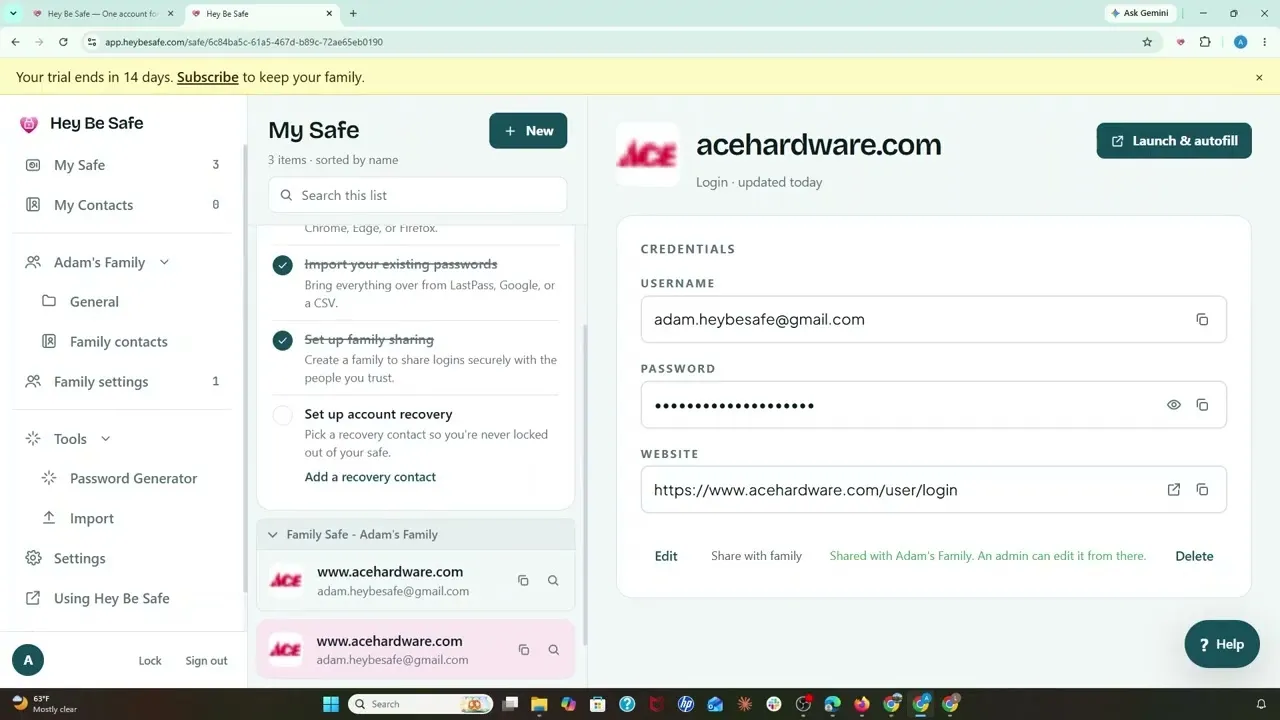
Part 3 This guide
Onboarding Part 3: Create Your Family on Hey Be Safe