One account for
the whole family.
Simple enough for everyone — from your kids to your grandparents — and it works in every browser and on your phone. Each person gets their own private safe; no one else can see inside it, not even family.
Watch the 90-second intro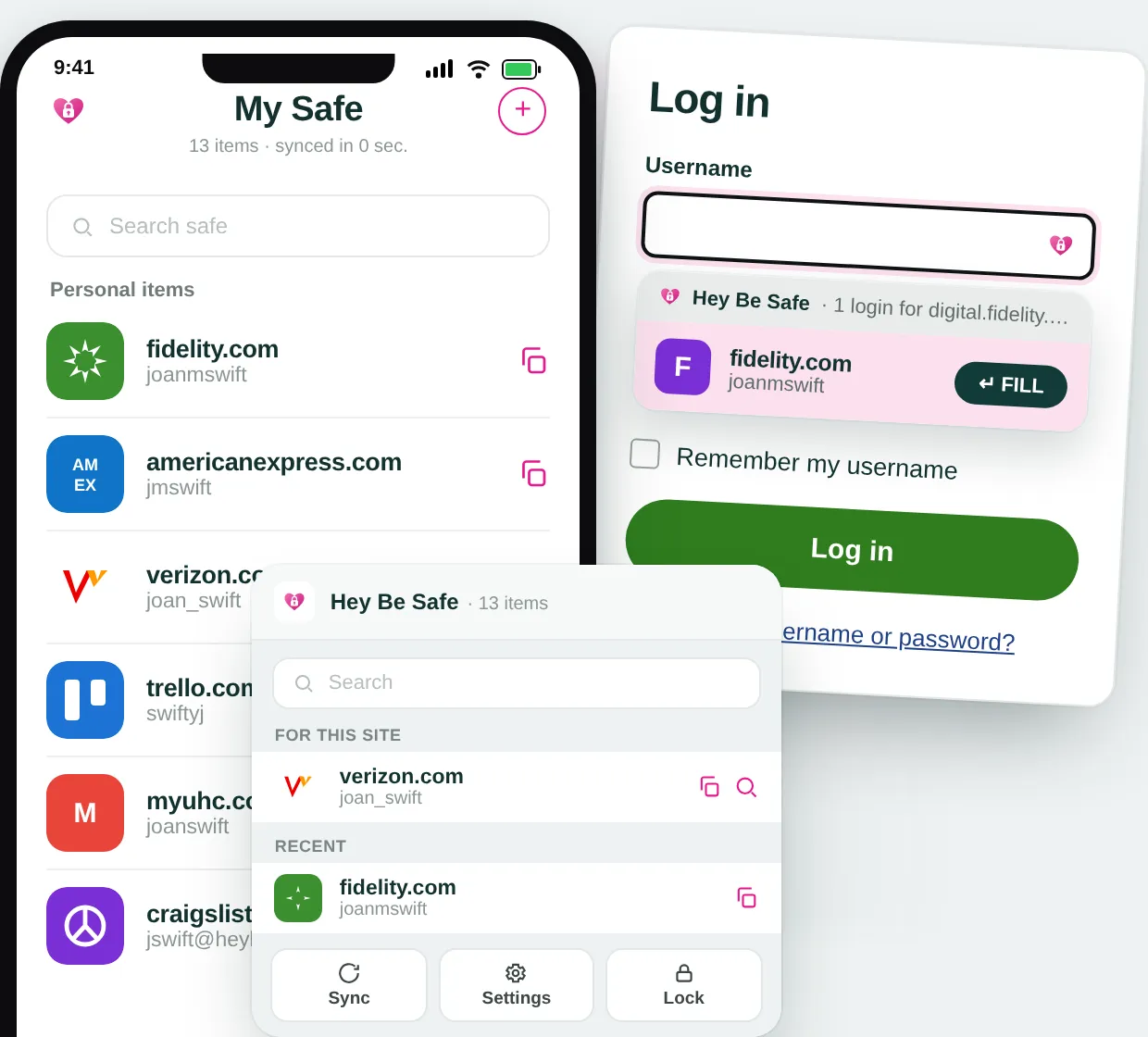
See it in action
Meet Hey Be Safe in 90 seconds.
A short tour of what you get: one safe per person, logins that fill themselves in, and a family that can help you back in if you ever forget your safe password.
Nothing loads from YouTube until you press play.
More how-to videos on YouTube ↗Simple enough for everyone
No jargon, no setup headaches. A friendly walkthrough gets each person started, whether they're tech-savvy or not.
Works everywhere they are
Chrome, Edge, and Firefox, on the web, and on your phone. Passwords are there on whatever device each family member reaches for.
Everyone gets their own safe
One account, but each person's passwords stay in their own private safe. Nobody else can see inside it — not other family members, not us.
Nobody gets locked out
Your family is your backup.
Your safe is yours alone — the one exception is an emergency contact you set up yourself. Name a trusted family member as a recovery contact, and if you ever forget your password they can help you get back in. Even then, no one — including us — ever sees your passwords.
See how recovery works →- 1Pick a family member you trust as your recovery contact.
- 2If you ever forget your password, ask them to approve a reset.
- 3You're back in — and your passwords stayed private the whole time.
Private by design, underneath it all
Every safe stays private, even within one family account: your passwords are encrypted on your own device, and we only ever store scrambled text. We literally can't read them — and there are no tracking cookies or analytics.